选择两张图片Choose two images
为浅色和深色模式分别选择本地图片。Pick one local image for each system theme.
 AdaptiveWallpaper
分别选择浅色和深色壁纸。系统主题变化时,AdaptiveWallpaper 会自动、安静地完成切换。 Choose a wallpaper for light mode and another for dark mode. AdaptiveWallpaper switches them quietly when your system theme changes.
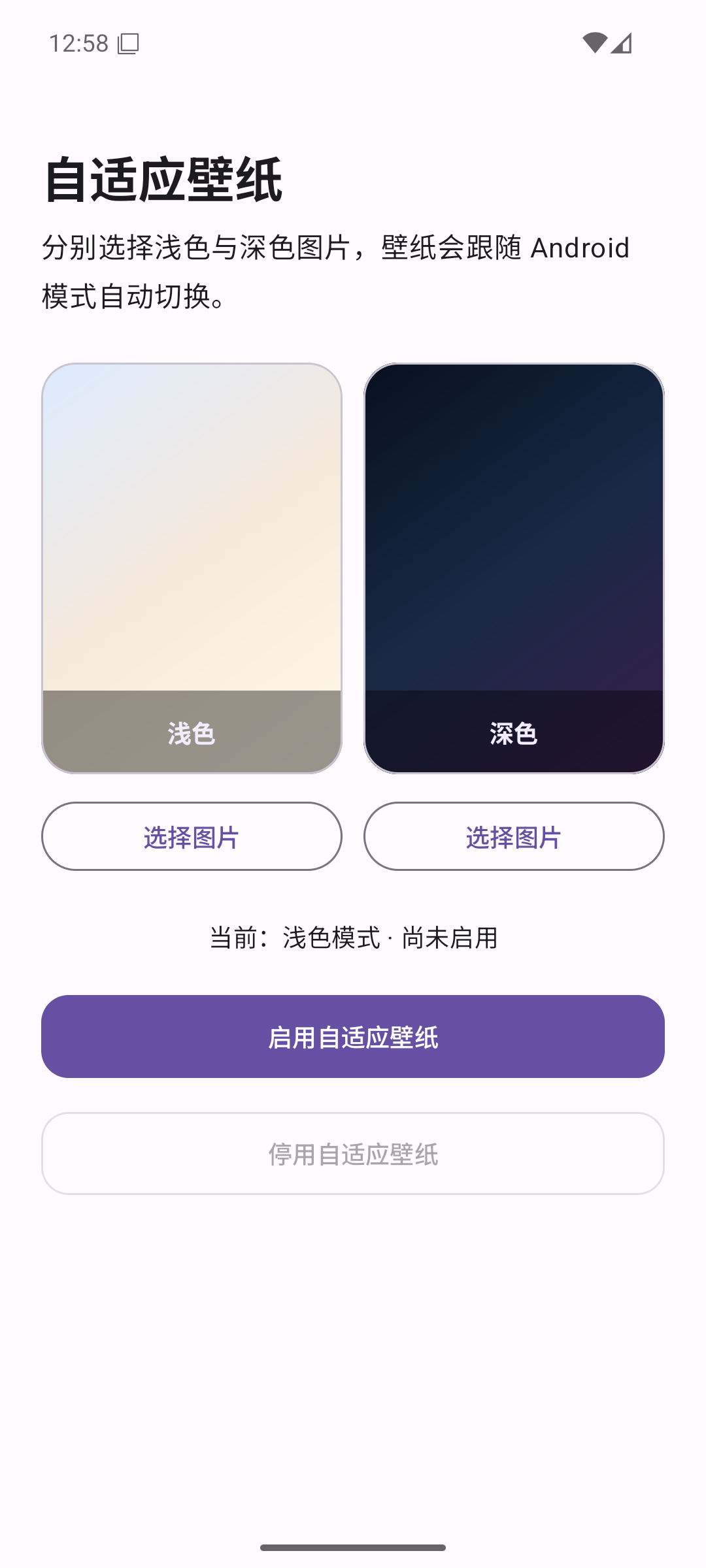
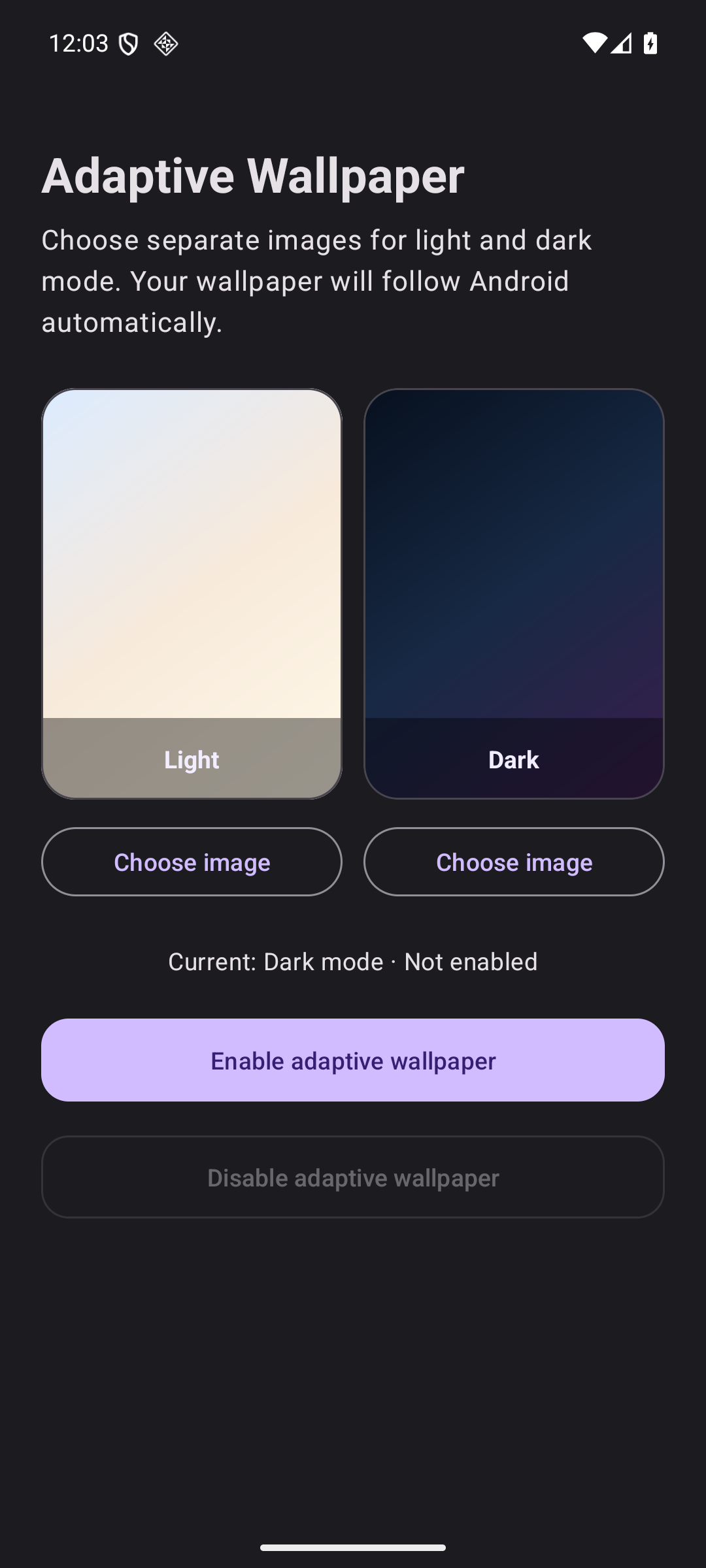
没有账户、广告、分析工具或云端同步。No account, ads, analytics, or cloud sync.
为浅色和深色模式分别选择本地图片。Pick one local image for each system theme.
拖动、缩放,并选择裁剪填充、完整显示或拉伸。Pan, zoom, fill, fit, or stretch each wallpaper.
在 Android 预览中选择主屏、锁屏或两者。Choose the home screen, lock screen, or both in Android.
切换系统主题,壁纸随之变化。Change the system theme and your wallpaper follows.
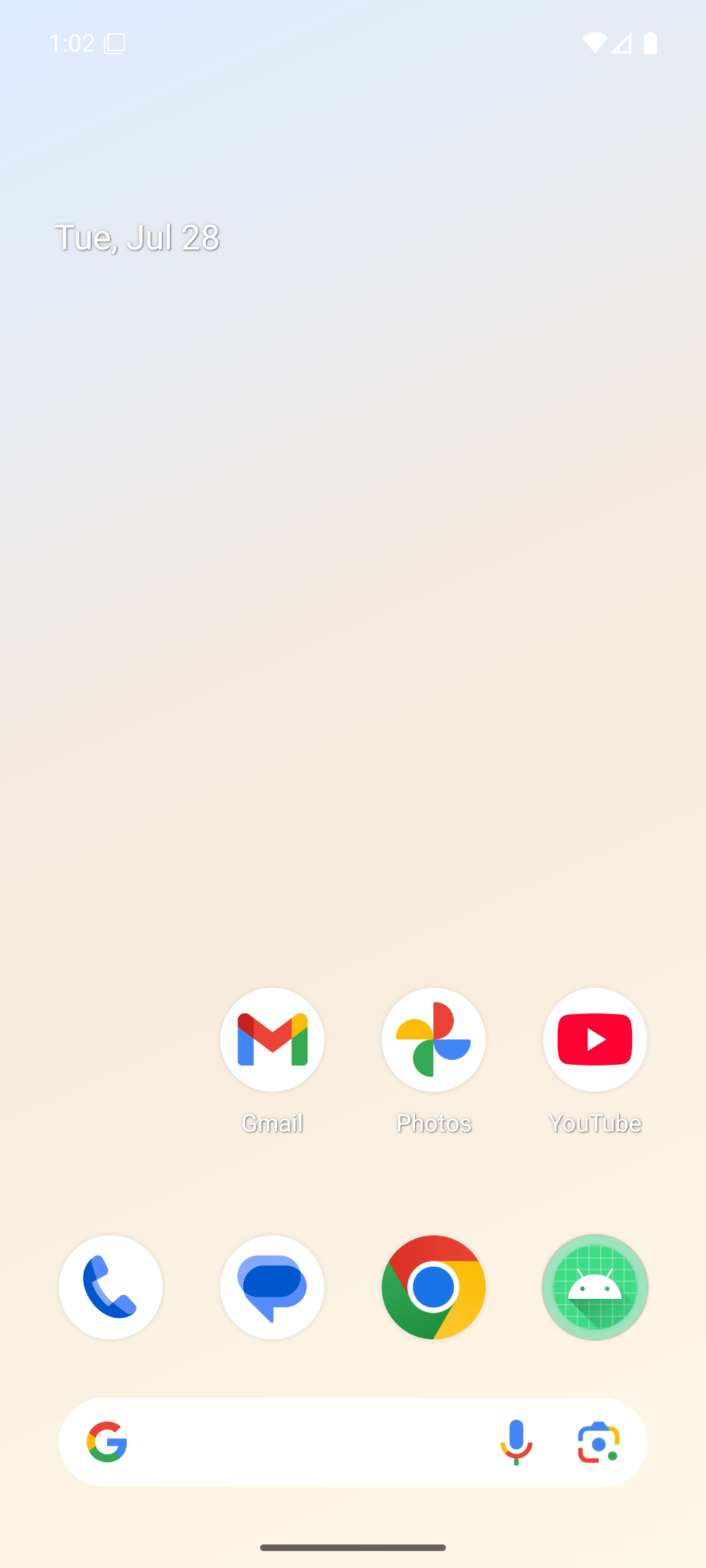
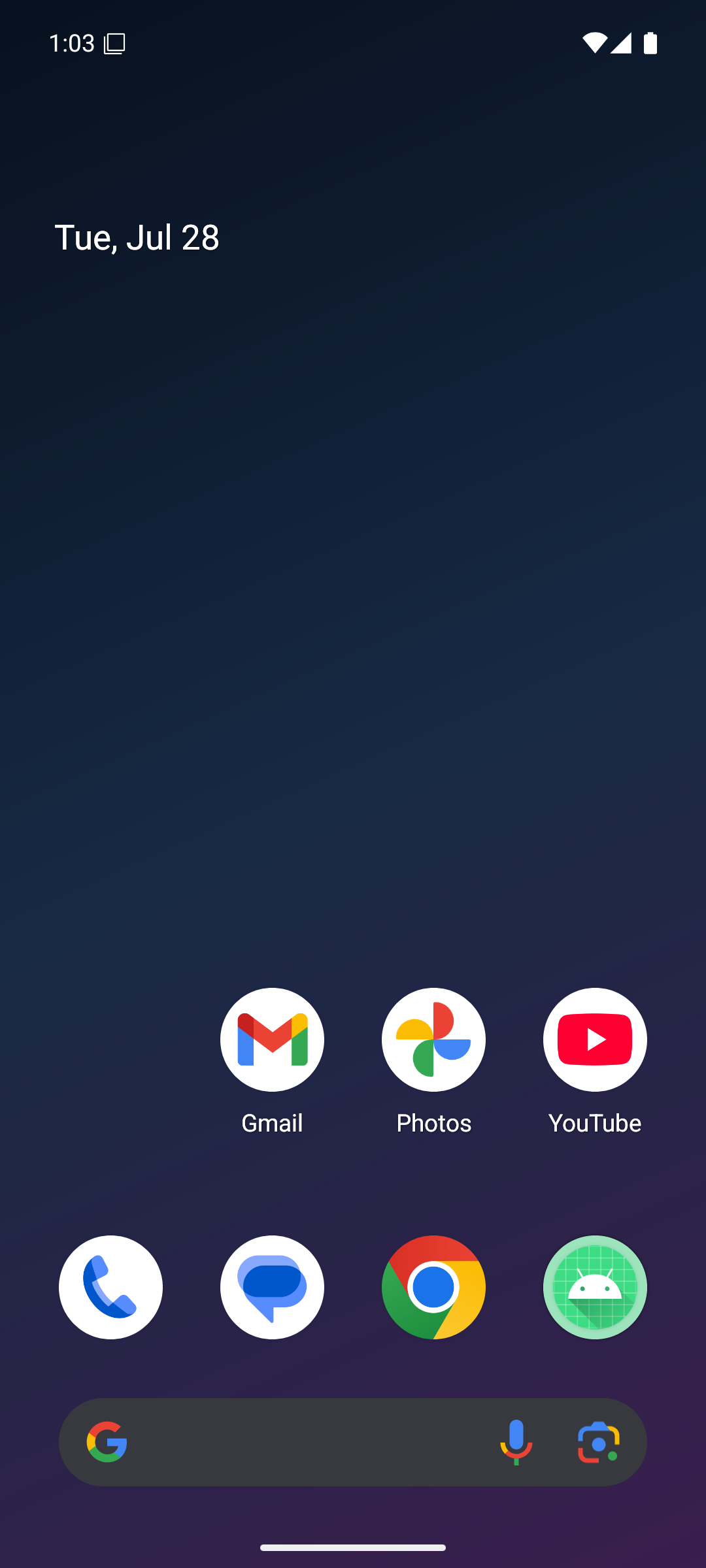
APK 经过正式证书签名,可在 Android 7.0 及以上版本运行。The signed APK supports Android 7.0 and newer.
点击本站的下载按钮,获取最新正式版本。
Use the download button on this site for the latest release.
Android 如有提示,请允许浏览器或文件管理器“安装未知应用”。
If prompted, allow your browser or file manager to install unknown apps.
导入浅色和深色图片,然后点击“启用自适应壁纸”。
Import both images, then tap “Enable adaptive wallpaper.”